Welcome to DealsAndCouponsHub!
Your extension has been successfully installed. Get ready for the easiest way to find the best coupons and deals!
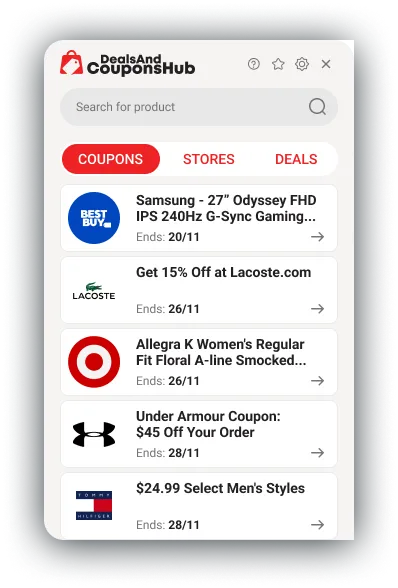
How it Works
In just a couple of steps, you’ll view all the best deals and discount codes for the product or category of your choosing.
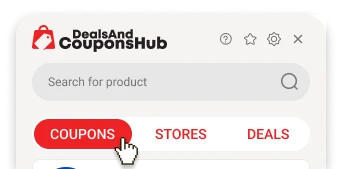
Find a Coupon
Enter the product you’re shopping for into the search box or select a category that you’re interested in.
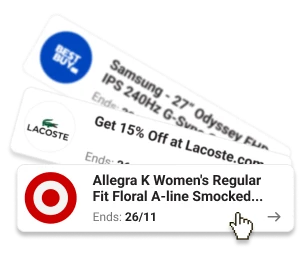
Select a Coupon
A wide selection of all the best coupon codes and deals will appear. Simply click ‘Get it’ to use a coupon.
Using Your Extension
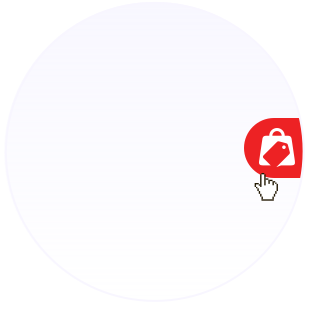
To Activate DealsAndCouponsHub
To open your extension, click on the floating button to the right of your browser.
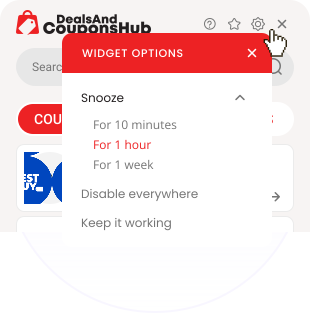
To Disable the Action Button
Select the settings icon at the top right corner of the extension window to view the full list of preference options.
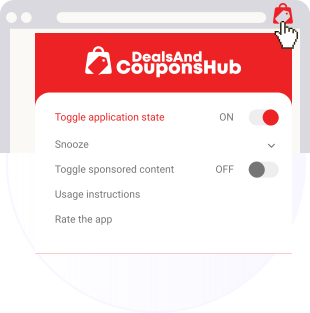
To Enable the Action Button
You can easily bring the action back by click on the DealsAndCouponsHub icon at the top right of your browser and select ‘Toggle application state’
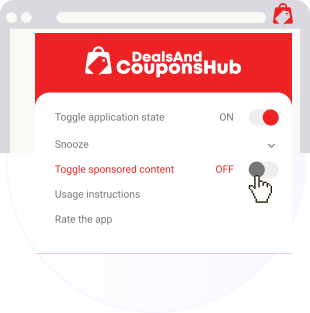
To Disable Sponsored Content
To turn off sponsored content, simply set ‘Toggle sponsored content’ to OFF.